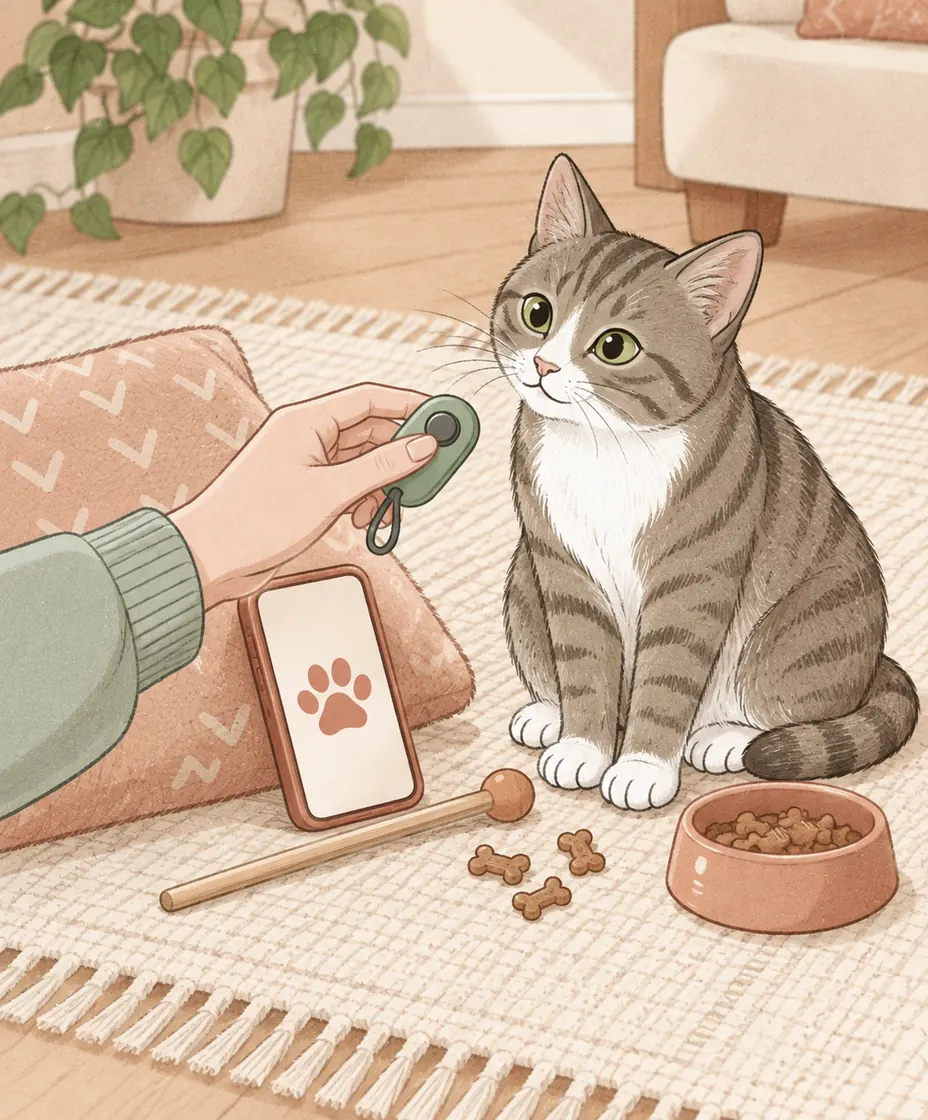
Choose a cat training clicker that you can operate at the right moment and whose sound your cat is comfortable hearing. A handheld button, a clicker-and-target kit, a phone marker or a consistent word can each serve a different setup. The useful choice is the one that leaves you ready to reward; an expensive kit is not a prerequisite.
Four ways to mark an action
A marker identifies the action you intend to reward. It needs to be followed by the reward; the sound is not a command to sit or a substitute for food or play. Cats Protection’s clicker guidance describes building that sound-and-reward association.
We make Pounce, which includes a phone clicker. The comparison below uses current manufacturer descriptions and our curriculum, checked September 13, 2026. We have not tested these physical products side by side, measured their sound levels or ranked their durability. The handling suggestions are practical selection checks you can try yourself.
| Option | Consider it when | Check before practice |
|---|---|---|
| Handheld clicker | You want a dedicated physical button | Finger reach, comfortable sound and reward handling |
| Clicker and target kit | You also want a target and starter materials | Whether the included tools match your next lesson |
| Phone clicker | Your lesson or notes are already on your phone | Volume, screen access and interruptions |
| Consistent word | You want a marker without holding another tool | A short, repeatable delivery followed by a reward |
A simple handheld option: PetSafe Clik-R
PetSafe describes the Clik-R as a handheld clicker with a finger band, included instructions and no need for batteries or an app. Those are useful concrete features to compare with a generic button clicker. The manufacturer lists it for cats as well as dogs.
Try the button without your cat present first. Can you hold it securely, press once without looking down and then reach the reward? A finger band may help your handling, but that is something to check with your own hand and setup. We are not claiming it is quieter than another product.
A bundled option: Cat School’s clicker training tools
Cat School’s official tools page describes a retractable target with a detachable clicker, a finger loop, an illustrated guide and an included online starter course. It markets the clicker as quiet; we have not independently measured that claim or compared it with other clickers.
A bundle may make sense if you intend to practice target touches and want the accompanying teaching material. Check the current package contents, delivery to your country and return terms at the seller. If you only need to mark one familiar action, you may not need every item in a kit.
A phone clicker: convenient if the handling works
Pounce has an in-app clicker alongside its training lessons. Other apps offer a marker sound without a full lesson plan. A phone can therefore combine tools you already use, but screen handling matters: reading a step, finding a button and holding a target are several separate actions.
Do a dry run without your cat. Check the sound and volume, keep the marker button accessible, and arrange rewards so you do not need to put everything down after each click. If the setup repeatedly makes you late, use a physical clicker or verbal marker while keeping the phone nearby for instructions.
A verbal marker leaves your hands free
Pounce’s Gather Your Tools lesson also allows a consistent word such as “yes.” Keep it brief and use it to mark the action, then deliver the reward. This can be convenient when your hands are occupied; it does not require buying another tool.
Consistency is a handling task here too. Practice saying the word once at the intended moment rather than stretching it into a stream of praise. Whichever marker you choose, build its reward association before expecting it to communicate a new skill.
What if the click startles your cat?
Stop rather than repeat the sound until your cat tolerates it. For a later practice, choose a softer marker or a consistent quiet word and restart at an easier level. Do not sound a clicker next to your cat’s ears. A product described as quiet is not a guarantee that an individual cat will be comfortable.
Before your first exercise, put the reward within reach and choose one tiny action to observe. Record the marker, the setup and your cat’s response. That note is more useful for your next session than a shopping list of extra equipment.
A little guidance goes a long way.
Follow illustrated lessons, take the next small step, and keep track of your cat’s little wins in Pounce.
Explore Pounce for iOSSources & how this guide was written
Pounce curriculum: Gather Your Tools, Meet the Clicker and Target Touch, with current in-app clicker functionality checked in the app source. Manufacturer descriptions were checked September 13, 2026. We publish Pounce; physical tools were not independently tested and these links earn no affiliate commission. The handling checklist is an original planning aid. The cover shows generic illustrated tools, not the named products.
- Cats Protection: Tips for clicker training your cat
- PetSafe: Clik-R product specifications
- Cat School: Clicker training tools and kit contents
- Apple App Store Canada: Pounce
Sources checked September 13, 2026. This article is educational and has not been individually reviewed by a veterinarian. Our editorial policy explains our approach.